Instructions
Go to the UTORrecover Portal: https://backups.eis.utoronto.ca
Navigate to Protection > Clients
In the Filter > Column Visibility, Make sure to select Notification List
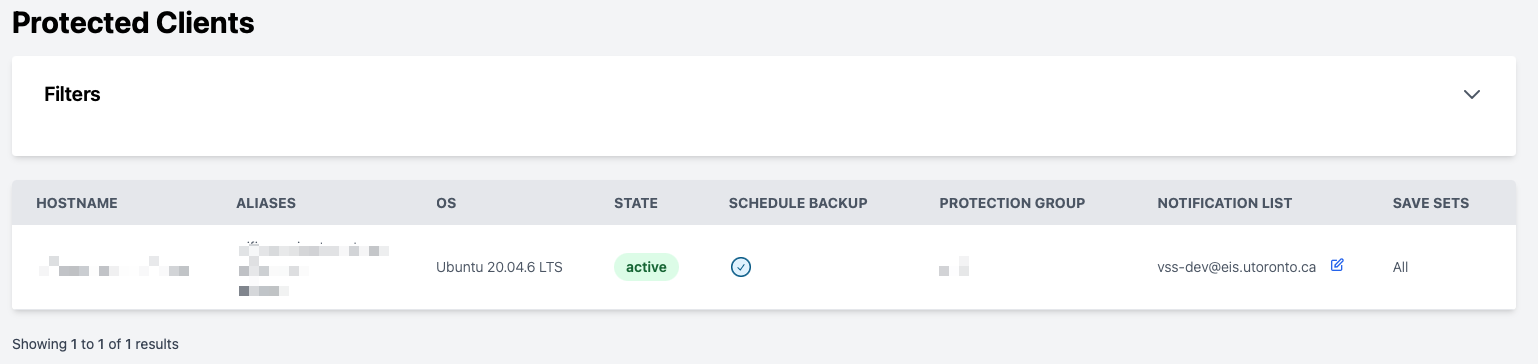
Click on the Notification List edit button.
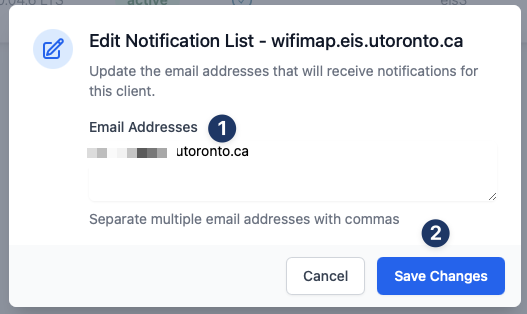
Edit the email addresses list and separate each email with commas. Then click save changes
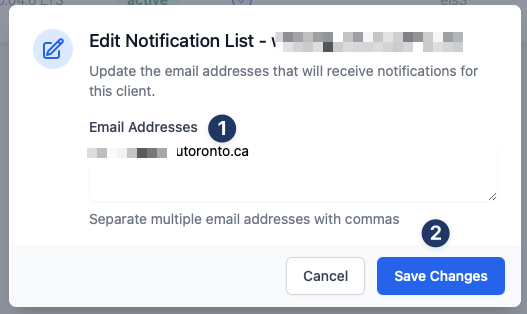
A confirmation email will be sent and you can follow up the status via Change History: https://backups.eis.utoronto.ca/request/change/history
Highlight important information in a panel like this one. To edit this panel's color or style, select one of the options in the menu.
 Related articles